
- by Johann Heinrich du Plessis
USB-C Fast Chargers in South Africa: What Fast Actually Means
- by Johann Heinrich du Plessis
If you’ve ever bought a USB-C fast charger that still feels slow, you already know the problem is rarely just the charger. “Fast” only happens when your device, your cable, and your charger are matched properly, and when the setup is built for safe charging instead of guesswork. Peachz was created to end the cycle of disposable mobile accessories, and that same buy-once mindset applies to charging too.
USB-C is the connector shape, not a promise of speed. A USB-C fast charger can only charge as fast as your phone, tablet, or laptop allows, and only when the cable and charger support the right kind of power delivery. That’s why two USB-C chargers that look similar can perform completely differently in real life.
Peachz focuses on accessories designed to stand the test of time, with robust construction and top-quality materials. The goal is simple: help you build a charging setup that works daily, stays reliable, and doesn’t send you back to checkout after a few weeks.
The easiest way to avoid buying twice is to treat charging like a three-part system. When one part is mismatched, you often get slow charging, inconsistent performance, or a setup that runs hotter than it should.
Your device decides the ceiling. If it supports fast charging, it will only draw the power it’s designed to take. If it doesn’t, no charger can force it to go faster. Before you choose anything else, check what your device supports and what connector it uses, especially if you’re charging more than one device in your household.
A fast charger with the wrong cable often becomes a “slow” charger. Cable type matters, and so does build quality. Peachz offers cable collections grouped by use, including USB Cables and Lightning Cables, which makes it easier to choose a cable that fits your device and your daily routine without guessing.
Once you know what your device can accept and you’ve chosen the right cable type, then your charger choice becomes straightforward. Peachz groups chargers into Wall Chargers, Car Chargers, and Power Banks, so you can pick based on where you charge most often instead of buying one random option that tries to do everything.

A lot of the confusion around “fast” comes from labels that don’t explain how charging works in plain English. USB-C fast charging is usually about the charger and device agreeing on how much power to send safely, then adjusting as the battery fills.
Peachz’s approach to charging focuses on safety and performance, with chargers designed to deliver consistent power while helping protect devices from issues like overcharging, overheating, and short circuits. That’s a big part of safe charging, because speed should never feel like a gamble.
The practical takeaway is simple. If you want fast charging you can trust, you don’t just buy a higher number. You match the system, then choose a charger that’s designed to regulate power properly instead of pushing your device in ways it wasn’t built for.
Most people don’t need one charger. They need the right charger for each place they charge. When you choose based on your real routine, you get better performance and you stop replacing gear that never fit your life in the first place.
A wall charger is your daily workhorse. It’s what you rely on for morning top-ups, desk charging, and the overnight routine. If you’re charging multiple devices, a multi-port wall charger can help keep your setup simple, as long as the output is shared in a way that still suits each device.
If you’ve been tempted by tiny, ultra-compact options, this is where a GaN charger can be a smart choice. Peachz stocks GaN options designed to deliver strong performance in a compact form, which can be useful when you want a neat setup at home or you travel and don’t want a bulky block in your bag.
Car charging is where many “fast” setups fall apart. In the car, you’re dealing with vibration, quick plug-ins, frequent short trips, and cables that get bent or pulled. A reliable car charger should be paired with a cable that suits your device and can handle daily strain. Peachz offers dedicated Car Chargers so you can build a setup that’s meant for driving life, not one that’s borrowed from your desk.
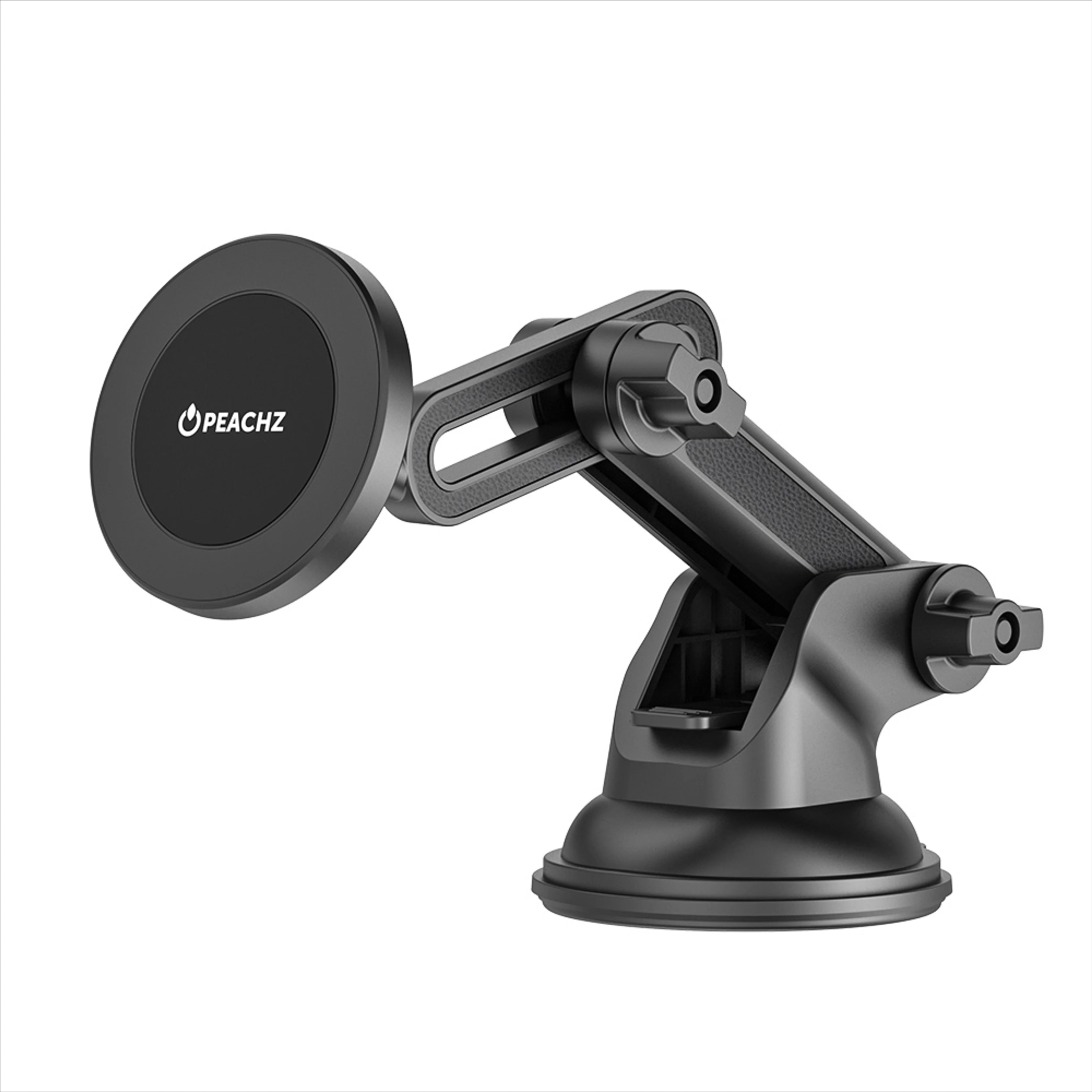
If your phone connects to a mount while charging, give yourself an extra margin of convenience by choosing a cable length and connector style that fits the mount position. The less tension on the cable, the more consistent the performance tends to be over time.
Power banks are about reliability, not just capacity. You want a backup that fits your bag, supports the devices you actually carry, and charges safely when you’re away from a wall plug. Peachz stocks Power Banks in its Chargers collection, so you can choose a backup option as part of the same charging system, not as a separate impulse buy that doesn’t match your cables or devices.
When a USB-C fast charger feels disappointing, the charger often gets blamed first. In reality, underperformance usually comes from small mismatches that stack up. Once you know what to look for, it gets easy to spot the weak link and fix it without replacing everything.
One common cause is using the wrong cable type for the device, or using a cable that isn’t suited to the power you’re trying to push through it. Another is mixing a fast charger with a charging port or adapter that bottlenecks the connection. Even a great charger can only be as good as the path the power takes.
Heat is another warning sign. A setup that runs unusually hot is often working harder than it should, which can happen when components aren’t playing nicely together. Peachz designs chargers with safety features in mind, focusing on consistent power delivery while helping protect devices from problems like overheating.
It’s also worth remembering that battery behaviour changes during a charge. Many devices charge quickly at a low percentage, then slow down as they get closer to full. That’s normal, and it can make people think their charger “stopped being fast” when the device is simply shifting into a safer phase.

Peachz’s mission is to end the cycle of disposable mobile accessories, and charging is one of the easiest places to apply that mindset. Buying once does not mean buying the most expensive item. It means choosing gear that fits your needs and then protecting your purchase with the right policies and warranty steps.
Peachz states that all products carry a 2-year limited warranty against manufacturing or workmanship defects, and if a product stops working or breaks as a result of a manufacturing or workmanship defect, it will be replaced free of charge. To make that protection real, Peachz also asks customers to activate their warranty, and its refund policy notes that no returns or refunds will be processed for faulty products unless the warranty has been activated within 7 days of purchase.
If you want to plan your charging setup properly, treat those steps as part of the purchase, not an afterthought. Choose your charger, match the cable, then activate the warranty while the order is still fresh in your mind. If you ever need to understand return timelines or what’s required for a claim, the Refund Policy lays it out clearly, including the need for proof of purchase and the importance of reporting issues within seven days of delivery for certain scenarios.
A USB-C fast charger is only fast when your device supports fast charging and the cable and charger can deliver power in a way the device accepts. USB-C is the connector, but speed depends on compatibility across the whole setup. If your device is limited, it will only draw what it’s designed to take. If your cable is mismatched or not suited to your device and charger combination, the charger can end up performing like a standard charger.
You need the right cable type for your device and charger. A USB-C port on a charger doesn’t automatically mean every cable will deliver the same result. If you’re charging a USB-C device, start by choosing from a dedicated USB cable category so you don’t end up mixing connectors that don’t fit your use case. Peachz groups cables into collections like USB Cables and Lightning Cables, which helps you match the correct type without relying on guesswork.
A GaN charger can be useful when you want strong performance in a compact design, especially if you travel or you want a cleaner setup at home. Peachz carries GaN options in its charger range, and the main advantage for many people is convenience without compromising on power delivery. The bigger point is still compatibility. A GaN charger works best when it’s matched to your device and paired with the right cable, so the whole setup performs as intended.
Many devices charge quickly at a lower battery level, then slow down as the battery fills. This is common and is often part of safe charging behaviour. It can feel like your charger stopped being fast, but your device may simply be reducing intake to manage heat and battery health. If the slowdown happens from the beginning of a charge, that’s when it’s worth checking cable type, charger choice, and whether the device is actually drawing the power it should.
Peachz backs its products with a 2-year limited warranty against manufacturing or workmanship defects, which supports the idea of buying once instead of replacing accessories repeatedly. To make use of that coverage, Peachz provides a Warranty Activation process, and its refund policy notes that no returns or refunds will be processed for faulty products unless the warranty has been activated within 7 days of purchase. For long-term planning, that means the best routine is to choose the right charger first, match the right cable, then activate your warranty soon after ordering.
If you want a setup you can rely on, pick your USB-C fast charger first, then match the right cable. Start with the Chargers collection and choose based on where you charge most, Wall Chargers, Car Chargers, or Power Banks, then pair it with the correct option from USB Cables or Lightning Cables.
Once your system is matched, take a minute to activate your warranty and keep the Refund Policy in mind for return timelines and requirements. That’s how you move from chasing “fast” to building safe charging that lasts.

Share:
MagSafe Car Mounts Explained: What to Buy (and What to Avoid)
Car Phone Mount vs MagSafe Mount vs Suction Mount: The Quick Picker Guide for SA Drivers